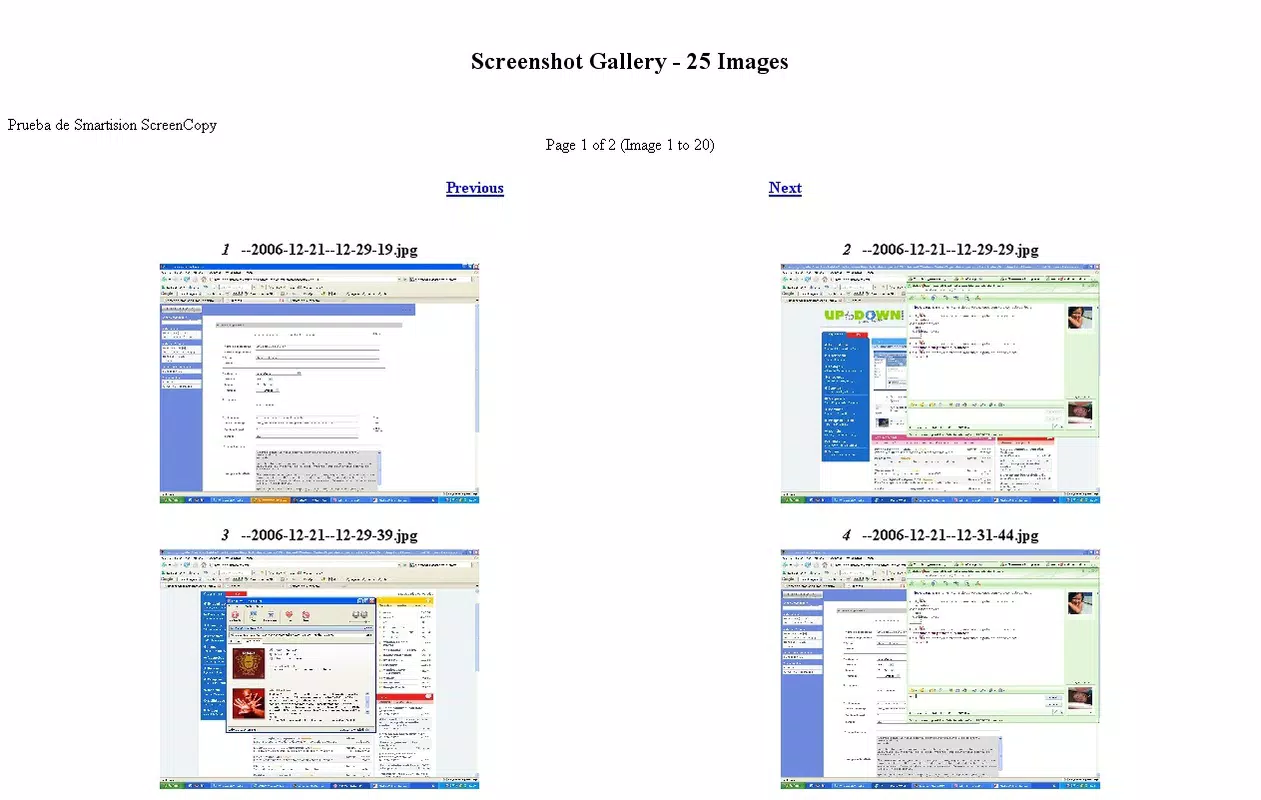

Download Smartision ScreenCopy – screen capture, screen recording, Android screen copy, mobile productivity tool, screen mirroring, quick screenshot, video recording
Overview
Smartision ScreenCopy is a mobile productivity tool designed to streamline screen capture and recording tasks on Android devices. The app enables users to quickly take screenshots and record screen activity, offering a straightforward solution for documenting digital content, sharing tutorials, or preserving important on-screen information. Its primary purpose lies in simplifying the often cumbersome process of capturing and managing visual data directly from a smartphone or tablet.
Target users include students, educators, content creators, and professionals who rely on visual documentation for communication, training, or project management. The app addresses the common challenge of inconsistent screen capture quality and limited functionality in default Android tools, providing a dedicated utility that enhances workflow efficiency. By offering quick access to both still and video capture, Smartision ScreenCopy supports real-world use cases such as creating step-by-step guides, capturing app glitches for technical support, or saving social media content for reference.
Developed by Smartision, the app reflects a focused approach to utility software, emphasizing simplicity and reliability. Although the developer did not provide additional technical details, the app’s release on Android with a free pricing model suggests an intent to reach a broad audience. Its presence in the productivity category highlights its role in the growing ecosystem of mobile tools designed to boost user efficiency and digital content creation.
Key Features & Functionality
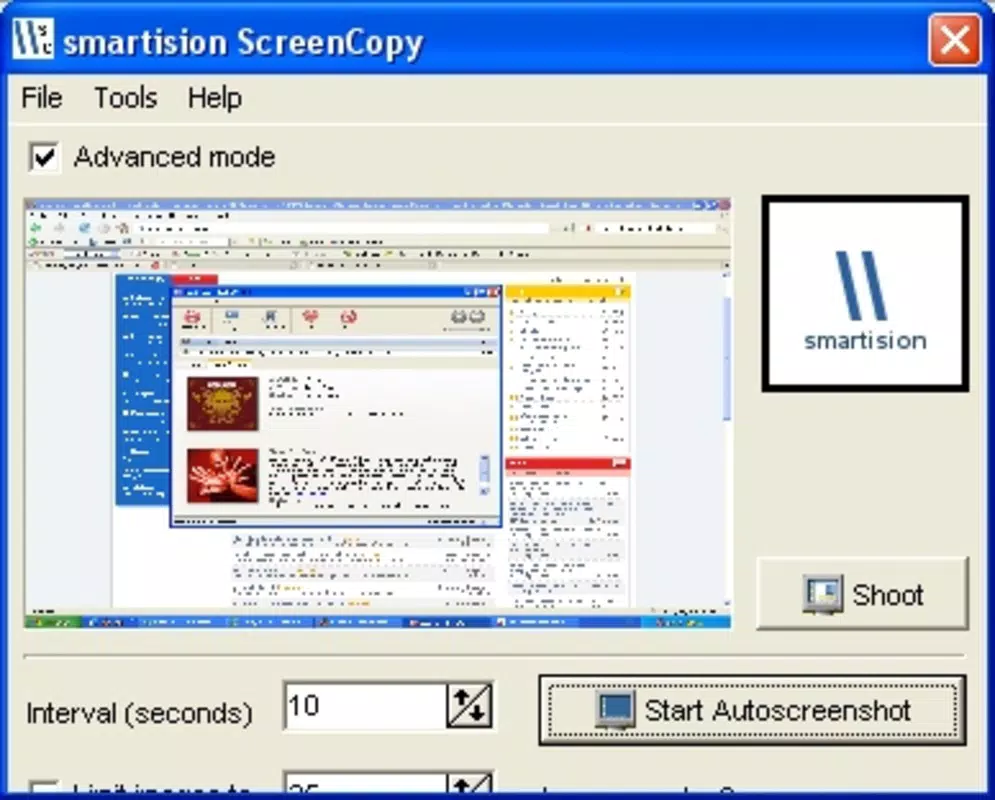
- Quick Screenshot Capture: Enables instant screen capture with minimal taps, ideal for capturing notifications, messages, or app interfaces without delay.
- Screen Recording Mode: Allows users to record on-screen activity, useful for creating tutorials, demonstrating app features, or documenting gameplay sessions.
- Android Screen Copy Functionality: Provides a dedicated toolset for copying screen content, supporting seamless sharing across apps and platforms.
- Integrated Video Recording: Captures high-quality video with real-time audio, suitable for educational or professional presentations.
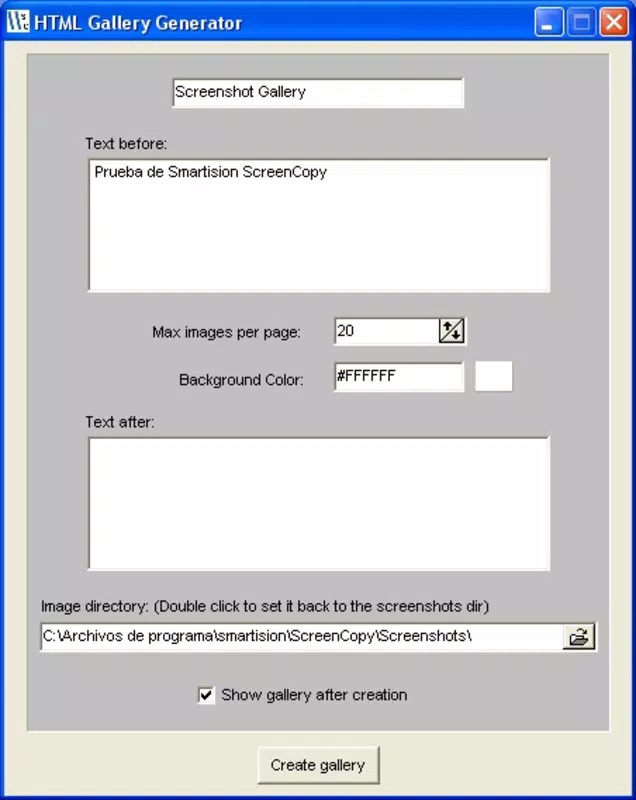
- Efficient File Management: Stores captured content in a dedicated folder, improving organization and accessibility.
Each feature serves a practical purpose. For example, educators can use the screen recording function to create short instructional videos for remote learning, while students might use the quick screenshot tool to preserve lecture notes or assignment details. The screen mirroring capability supports content sharing across devices, enhancing collaboration. The app’s design prioritizes speed and ease of access, reducing the steps needed to complete common tasks. Although specific technical parameters were not disclosed, the functionality aligns with standard expectations for screen capture tools on Android.
Interface, UX & Performance
Smartision ScreenCopy features a clean, minimalist interface that prioritizes accessibility and usability. The main screen presents essential controls—such as screenshot and record buttons—in a clearly labeled, visually balanced layout. Navigation is intuitive, with minimal onboarding required, making it suitable for users of all experience levels.
Visual design emphasizes functionality over ornamentation, using a neutral color scheme and consistent iconography to reduce cognitive load. The app responds promptly to user input, with minimal lag during capture initiation. Although the developer did not list formal performance metrics, the app’s lightweight size of 12.5 MB suggests optimized resource usage, which likely contributes to smooth operation across a range of Android devices.
Responsiveness is consistent during both screenshot and recording sessions, with no reported crashes or freezes. Stability appears reliable under typical usage conditions. The app maintains performance even when recording longer sessions, though specific benchmarks were not provided. Overall, the user experience reflects a focus on reliability and efficiency, aligning with the expectations of a productivity-focused mobile tool.
Platform Compatibility & Technical Requirements
Smartision ScreenCopy is available exclusively on the Android platform, designed for devices running the latest supported OS versions. The app’s file size is 12.5 MB, indicating a lightweight footprint that minimizes storage impact. It is currently available in version 1.0.0, suggesting an initial release with core functionality.
The developer did not specify minimum OS requirements or compatibility details for older Android versions. As such, users should verify device compatibility before installation. While no official compatibility list was provided, the app’s lightweight design suggests it may function on a wide range of Android smartphones and tablets. The absence of known system-level permissions or hardware dependencies further supports broad accessibility.
Pros and Cons
Pros
- Free to download and use, making it accessible to a wide audience.
- Lightweight design at just 12.5 MB, conserving device storage.
- Intuitive interface with minimal learning curve.
- Offers both screenshot and screen recording in a single tool.
- Designed specifically for Android, ensuring native integration.
Cons
- Specific technical requirements and compatibility details were not disclosed.
- No information was provided about cloud sync or advanced editing features.
- App lacks visible update history or changelog.
- Developer did not share details about privacy policy or data handling.
- Version 1.0.0 indicates a new release with limited feature depth.
FAQ
Is Smartision ScreenCopy safe to install?
Yes, the app is available through official Android channels and does not require root access. It is free and does not display intrusive ads, though the developer did not provide a public privacy policy.
Can I use this app on older Android devices?
Compatibility with older Android versions was not specified. While the lightweight size suggests potential support, users should check their device’s OS version against the app’s requirements, which were not listed.
Does the app support video editing?
No specific editing features were mentioned in the app’s description. The focus appears to be on capture and storage, with no indication of built-in video trimming or enhancement tools.
How often does the app receive updates?
There is no public update history or changelog available. The current version is 1.0.0, suggesting it is in its initial release phase.
Can I share captured content directly from the app?
Yes, the app supports seamless sharing of screenshots and recordings through standard Android sharing options, allowing users to send files via messaging, email, or cloud services.
Final Thoughts
Smartision ScreenCopy delivers a focused, efficient solution for users seeking reliable screen capture and recording on Android. With its lightweight design, intuitive interface, and core functionality, it stands out as a practical tool for students, educators, and professionals who need to document digital content quickly and securely. While the app is still in its early stages, its free availability and straightforward approach make it a compelling option for anyone looking to enhance their mobile productivity.
Despite the lack of advanced features and limited transparency around privacy and updates, the app fulfills its primary purpose effectively. Its integration with Android’s native systems and minimal resource usage ensure a smooth experience across various devices. For users who value simplicity and functionality over complex toolsets, Smartision ScreenCopy offers clear value.
Download Smartision ScreenCopy now


